Tile Map
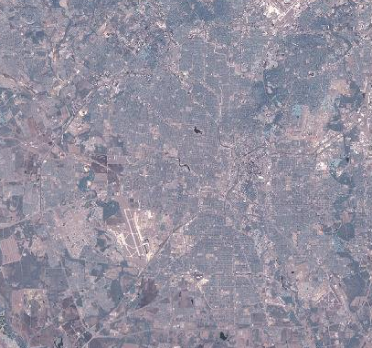
Projects a geo-referenced multi-resolution image tile map into the scene. Map tiles can be obtained from Bing Maps or any WMTS Tile Service. Pre-defined services that access Stamen Design (terrain, watercolor, and toner) are provided. Custom or local WMTS map servers can also be specified. Map data is cached to disk which enables some limited use completely offline. The credit line that the selected source’s terms of use require (for example “© OpenStreetMap contributors, © CARTO” for Carto) is drawn in the bottom-right corner of the map; for Bing it lists the imagery providers covering the area on screen, next to the Bing logo.
Parameters
| Source | The name of source of the tile data. |
| Base URL | A template URL used to obtain map tiles. When obtaining map tiles, parameters labeled {level}, {x}, and {y} in the URL will be replaced with appropriate values. For example, http://tile.stamen.com/terrain/{level}/{x}/{y}.png is appropriate for retrieving terrain tiles from Stamen Design. |
| API Key | When the Carto, Bing Maps (terrain) or a Stamen source is selected, this field holds that service’s API key instead of a URL; enter the key and click the Save button in order for tiles to be available. Without a key, Carto serves an “API KEY REQUIRED” image for every tile. To get a Carto key, sign up or log in at carto.com/basemaps/apikey and create a key in the dashboard (non-commercial use is free up to 5M requests per month, commercial use up to 1M). You can get a Bing Maps Key from the Microsoft Developer Network, and a Stadia Maps key (used by the Stamen sources) from Stadia Maps. Keys are saved in the Mapviz config as carto_api_key, bing_api_key and stadia_api_key. |
| Max Zoom | The maximum zoom level that will be used when requesting tiles. |